
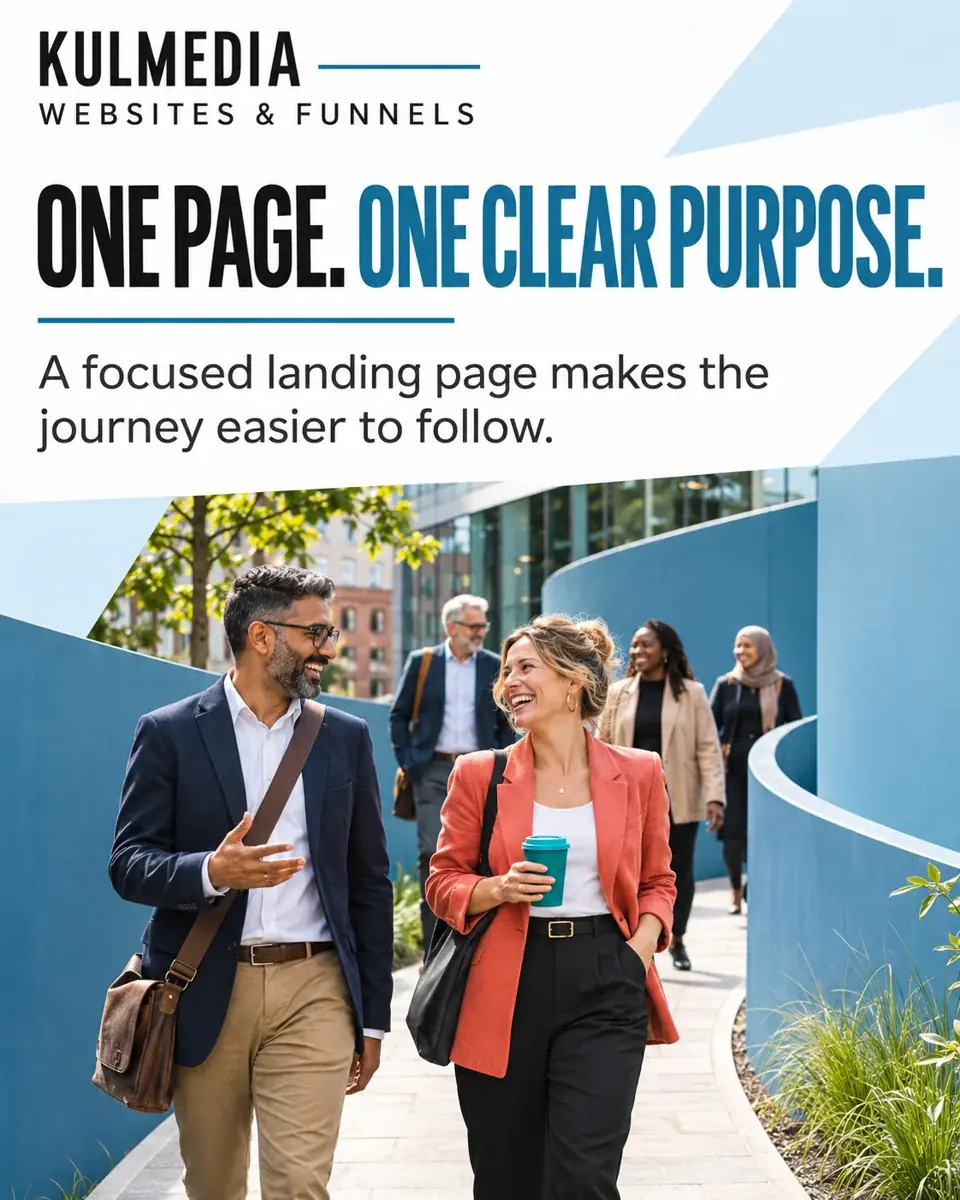
Keep the promise that brought someone here
A landing page should continue the conversation started by the advert, email or social post. If the post offers a free introductory call, make that call easy to find. If it introduces a service, explain that service before asking for details. A visitor should not have to work out whether they have reached the right place.
Write the first heading for someone who has never heard of your business. Explain what you offer and who it is for. Follow it with a short, specific description. Strong visuals can help earn attention, but they cannot replace an understandable offer.
Answer the questions that affect the decision
Explain what is included, how the process works and what happens after an enquiry. If you show a price, make any setup cost and recurring payment clear. If the work is quoted individually, say which factors affect the scope. Use genuine examples with permission and avoid implying that one project's outcome is guaranteed for everyone.
On Kulmedia's social packages page, the monthly fee and one-off setup are shown separately. That distinction helps a visitor understand the first payment before booking a conversation. The same principle applies to other services: make the commitment clear rather than hiding the detail in a later step.
Check the experience on a phone
Read the page on a small screen, not just in a desktop preview. Check whether the heading makes sense, the text is comfortable to read and the main action is easy to tap. Images should support the message without pushing every useful detail far down the page. Motion should never prevent someone from reading or using a form.
Ask only for the information needed at that stage. Use clear field labels, explain the next step and show a helpful confirmation after submission. Test the whole journey, including where the enquiry arrives and who responds. A good-looking form is only useful if the handover works.
Make the follow-up part of the design
A funnel connects the page to what happens next. That may be a booking confirmation, an enquiry acknowledgement or a reminder before an event. Agree the sequence and responsibilities before connecting software. Tools such as GoHighLevel can support the process, but the messages and timing still need careful planning.
Review the page after launch. Look for confusing questions, incomplete enquiries and broken links. Improve the explanation before simply adding more buttons. The goal is a clear route from interest to a useful conversation, with enough information for the visitor to decide.
Talk through your priorities with Kamal via Google Meet or Zoom. No obligation.